Search help: Enter your search terms here
Email Inbox Display
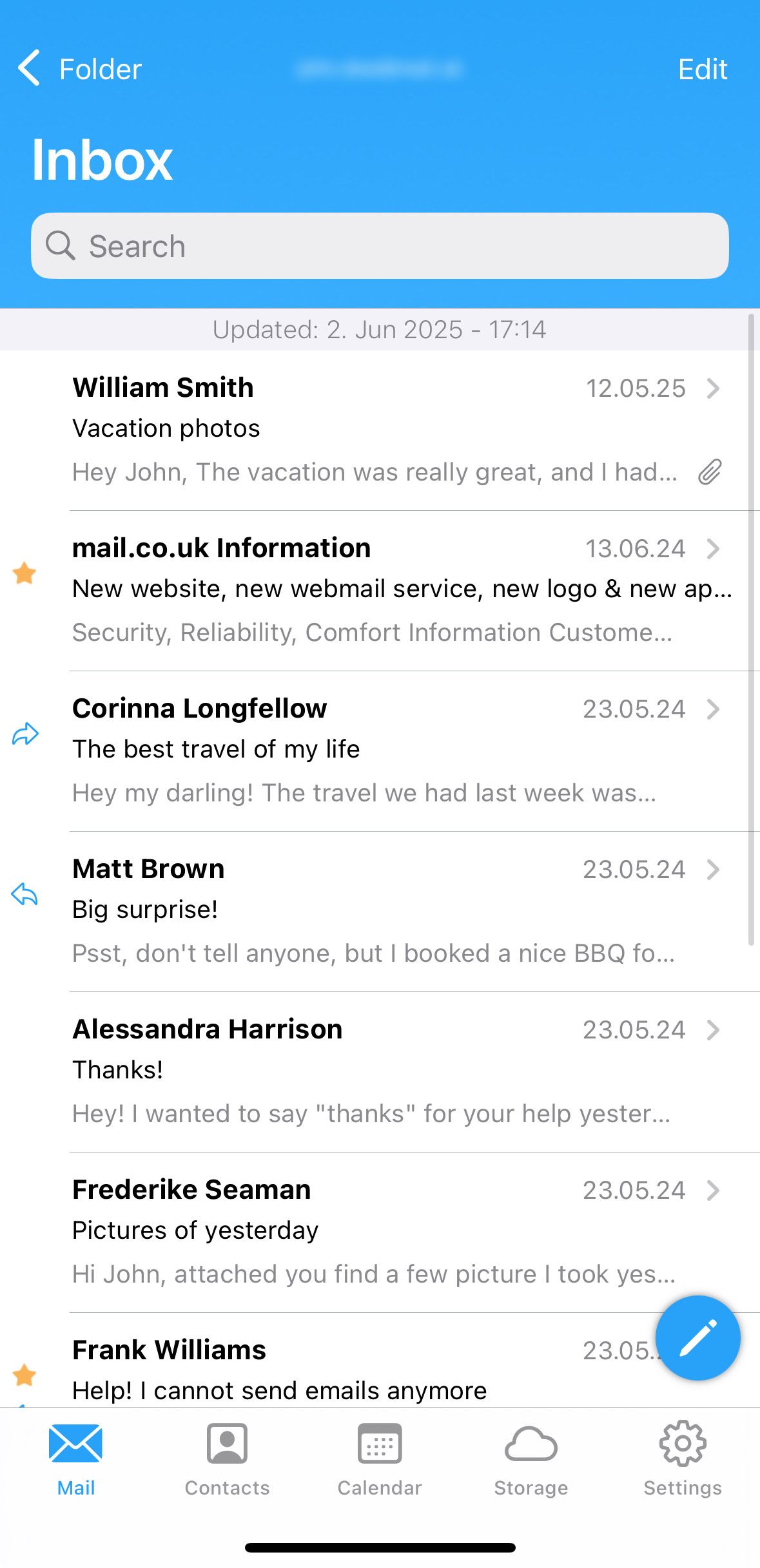
The mail.fr app offers you two different display options for your inbox:
Compact View
In the compact view, you can see the sender, subject, and a brief preview of the email.
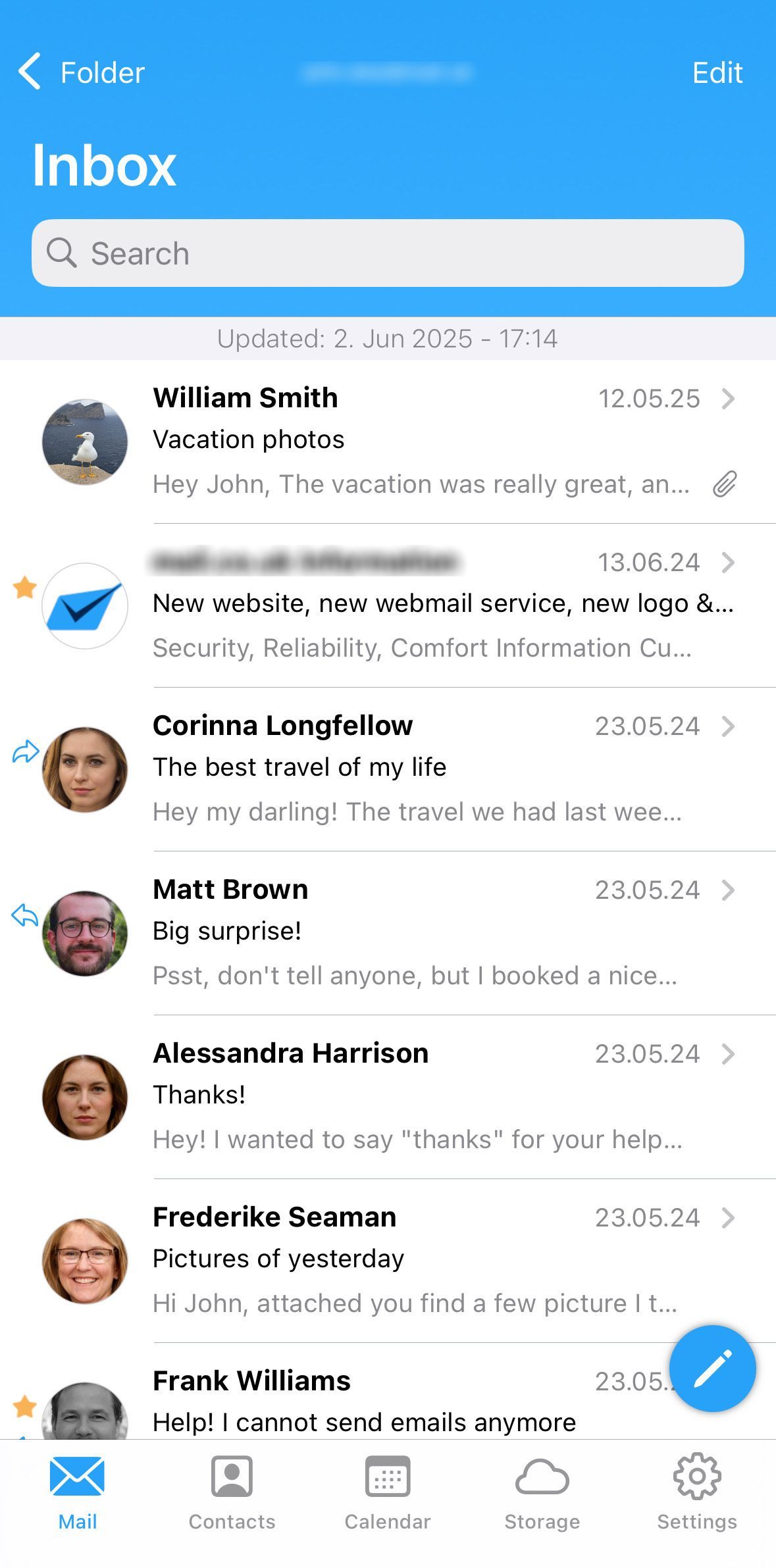
Expanded View
In the expanded view, you will see not only the sender, subject, and preview but also profile pictures. This provides a more visually appealing design and helps recognize the sender more quickly. Profile pictures can be set in the address book. If a sender is not saved there or has no picture, their initials will be displayed instead.
To learn how to save a profile picture in the address book, you can refer to the following article:
How to switch between display modes:
- Go to "Settings".
- Tap on "Display."
- Choose either "Expanded View" or "Compact View."

